 TraxQ
TraxQDownload the Driver App
Your Loads, Right in Your Pocket
Accept loads, track deliveries, upload PODs, and stay connected with dispatch — all from your phone.
Free for drivers
iOS & Android
No ads
Download from App Store
Tap to install — no extra steps needed
1
Join the tester group
Use the same Google account that's signed in on your Android phone.
2
Wait for Google
Google needs about a minute to add you.
3
Install from Play Store
Complete the steps above first.
Free Download
iOS & Android
Quick Setup
Up and Running in 3 Steps
No complicated setup. Download, sign in, and you're on the road.
1
Download the App
Get TraxQ Driver from the App Store or Google Play. It's free and takes seconds to install.
2
Sign In
Use the login credentials your dispatcher provided. No separate registration needed.
3
Start Driving
See your assigned loads, navigate to pickups, upload PODs, and stay connected in real-time.
Get Started with TraxQ
One Platform.
Every Load.
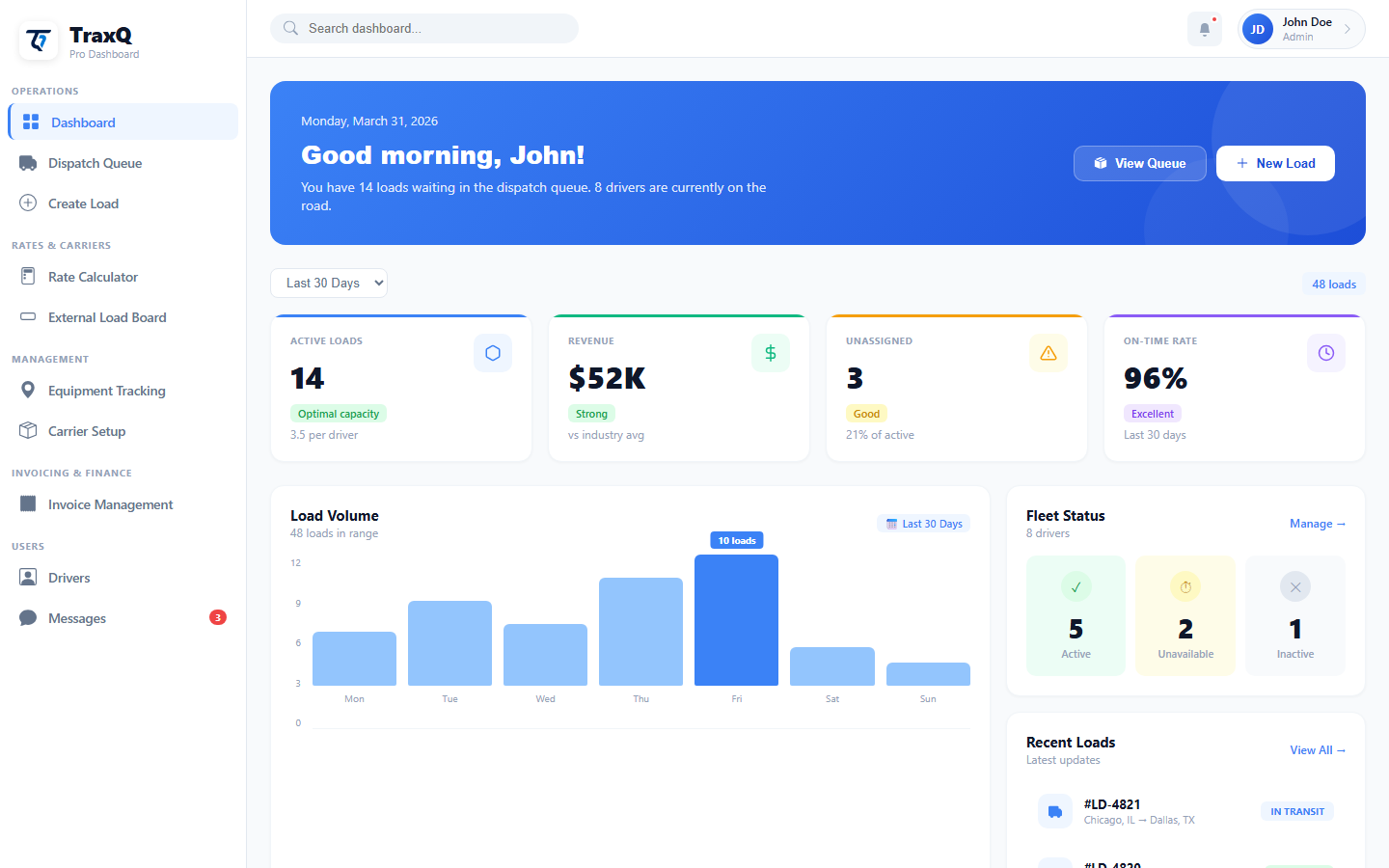
Join hundreds of fleets that replaced spreadsheets, phone tag, and paper invoices with one dashboard. Set up in minutes — dispatch your first load today.
Contact SalesLoad Delivered
LD-4821 · Dallas, TX
3 Loads Queued
Ready to dispatch